What is Claude Code?
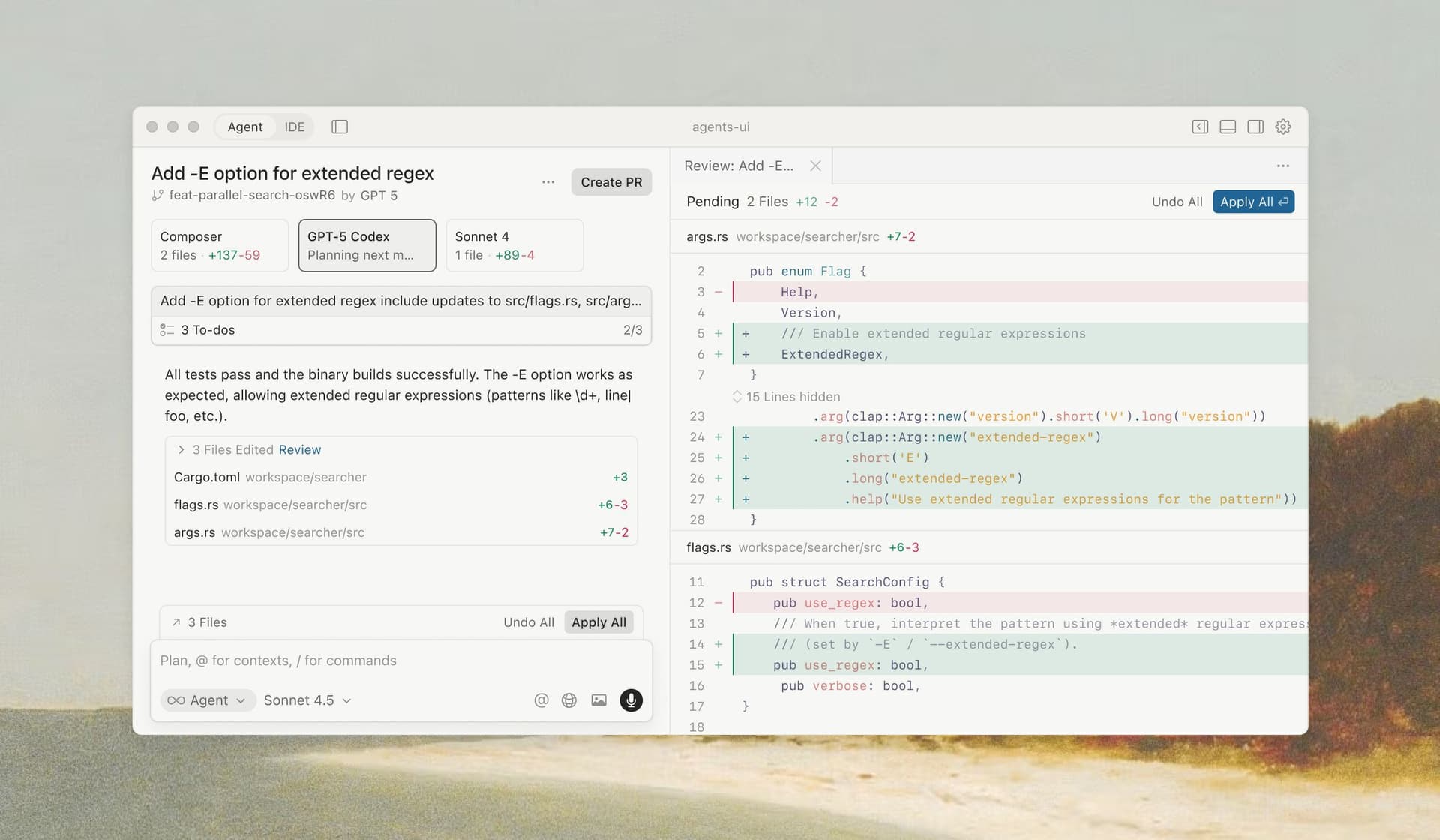
Claude Code is Anthropic's coding agent. In a local project it can inspect files, make changes, run shell commands and work with Git. It also has editor and other interfaces, so the terminal is a useful entry point rather than its only form.
Editorial assessment
That refactor you keep postponing is a sensible place to try Claude Code. Give it a bounded task, a way to check the result and a clear point at which to stop.
Editorial assessment of the documented product. This review does not include personal testing notes or benchmark results.
I'd reach for Claude Code when the job involves following a trail through a repository: a failing test, an awkward dependency update, or a change spread across several files. Letting an agent read the command output and propose the next edit is an appealing workflow for that kind of work.
Before starting, I'd write down what success looks like. Which test should pass? What behavior must stay the same? Which files or services are outside the task? The project instructions are worth maintaining because otherwise you end up explaining the same conventions in every session.
The access that makes this useful also needs care. I'd review permission requests, keep a recoverable Git state and inspect the final diff. Long sessions also deserve a usage check. A task that keeps expanding can consume more budget without getting any closer to the original fix.
Pros & cons
Pros
- Can connect file edits with shell output during a coding task.
- Works with the repository's Git workflow.
- Project instructions help communicate local conventions.
- Useful fit for debugging and maintenance tasks with clear checks.
Cons
- Broad shell permissions deserve active supervision.
- A passing test suite does not prove that every generated change is correct.
- Usage and session scope can grow during open-ended tasks.
Key capabilities
Repository work
Read files, trace code paths and propose changes across a project.
Command execution
Use shell commands and test output while working through a task.
Git workflow
Work with diffs, branches, commits and pull requests when instructed.
Project instructions
Document coding conventions and task boundaries in repository guidance.
Priy's verdict
“Claude Code looks well suited to developers who can define a task and evaluate the result. I'd use it for a real but limited maintenance job first. Keep permission decisions and the final review in your hands, especially around commands that change external state.”
Best for
- Developers comfortable with terminal workflows
- Engineers handling tests, refactors and repository maintenance
- Teams with clear coding conventions and review practices
Consider alternatives if
- People who want to delegate a repository without checking the output
- Workflows where the agent's required access cannot be approved

Try Claude Code
AI Coding Agent for Terminal, Editor and Web