What is Cursor?
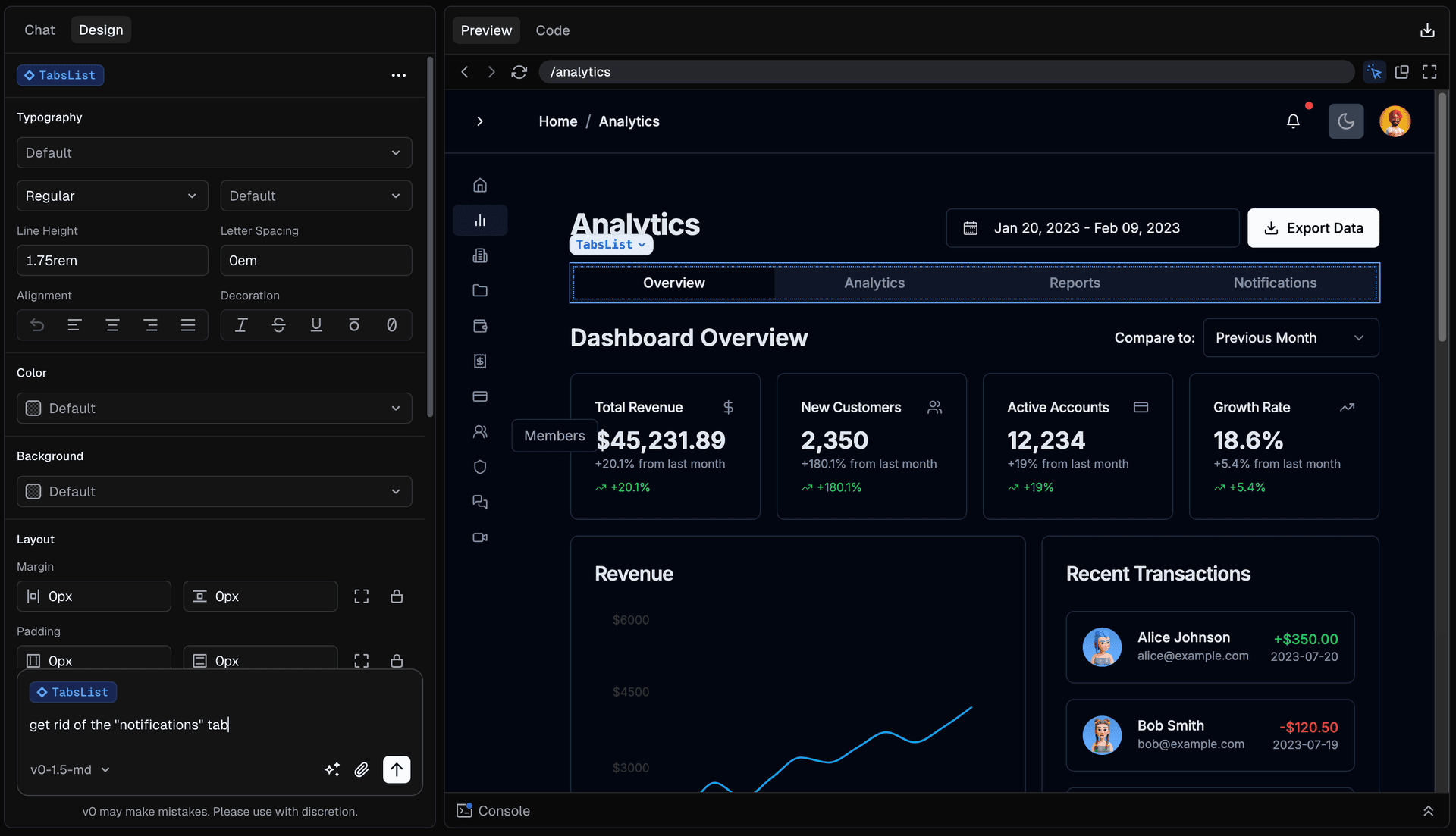
Cursor is an AI coding environment with an agent that can search a project, edit files and run terminal commands. It brings questions about existing code and proposed changes into the development workflow, rather than making you move every relevant file into a separate chat.
Editorial assessment
An AI editor is much more useful when the conversation stays close to the code. Cursor is worth a look if reviewing generated changes already fits your workflow.
Editorial assessment of the documented product. This review does not include personal testing notes or benchmark results.
I'd start with a small change in a repository I already understand: add a missing validation check, explain a confusing module, or update a component and its tests. That gives you a useful way to judge the agent's choices before handing it a larger feature.
The part I like is having the conversation, the files and the proposed diff close together. You can ask why a change is needed and check what it touches. Clear instructions still matter. Spell out the behavior you want and the boundaries it should preserve; a vague request leaves a lot of product decisions to the model.
My hesitation is the temptation to approve a large diff because the explanation sounds convincing. I'd keep changes reviewable, run the relevant checks, and pay attention to model usage. For a workplace repository, check the privacy settings and your team's rules before sending code to an AI service.
Pros & cons
Pros
- Codebase search and file editing sit inside the coding workflow.
- The agent can run commands and use their output while working on a change.
- Small, scoped changes give you a practical way to evaluate its output.
- You can inspect the generated diff before deciding what belongs in the project.
Cons
- Generated code can still be wrong even when the explanation sounds reasonable.
- Agent allowances and model billing need attention during heavier use.
- Team privacy requirements can limit which repositories you should connect.
Key capabilities
Project context
Search the repository while asking questions about existing code.
Agent edits
Ask the agent to change files and inspect the resulting diff.
Terminal tools
Run project commands as part of the coding task.
Instructions and rules
Give the agent conventions and boundaries for the repository.
Priy's verdict
“I'd shortlist Cursor for developers who want AI help close to their existing code. Start with a familiar task and judge the diff, the checks and the cost. Keep ownership of the engineering decisions even when the agent writes most of the patch.”
Best for
- Developers who want AI help with an existing codebase
- Builders comfortable reviewing diffs and running tests
- Teams willing to define clear repository instructions
Consider alternatives if
- People expecting generated changes to be production ready without review
- Teams whose code cannot be sent to the configured AI services

Try Cursor
The AI-first Code Editor